


MON – FRI
08:00am – 17:00pm
SAT – SUN
08:00am – 17:00pm
 SHOP NOW - All Product Categories Here


















For iPhone:(1)Supports iOS 9 and above (e.g. iPhone XR, iPhone 11, iPhone SE 2nd gen or newer. (2)Make sure CarPlay and Siri are enabled.(3)For best performance, update to the latest iOS version.
For Android:Android 11+/Google/Samsung phones with Android 10+ /Samsung S8/S8+/Note 8 with Android 9+
Otherwise, connection instability, screen flickering, or device lag may occur.
Use original car charger
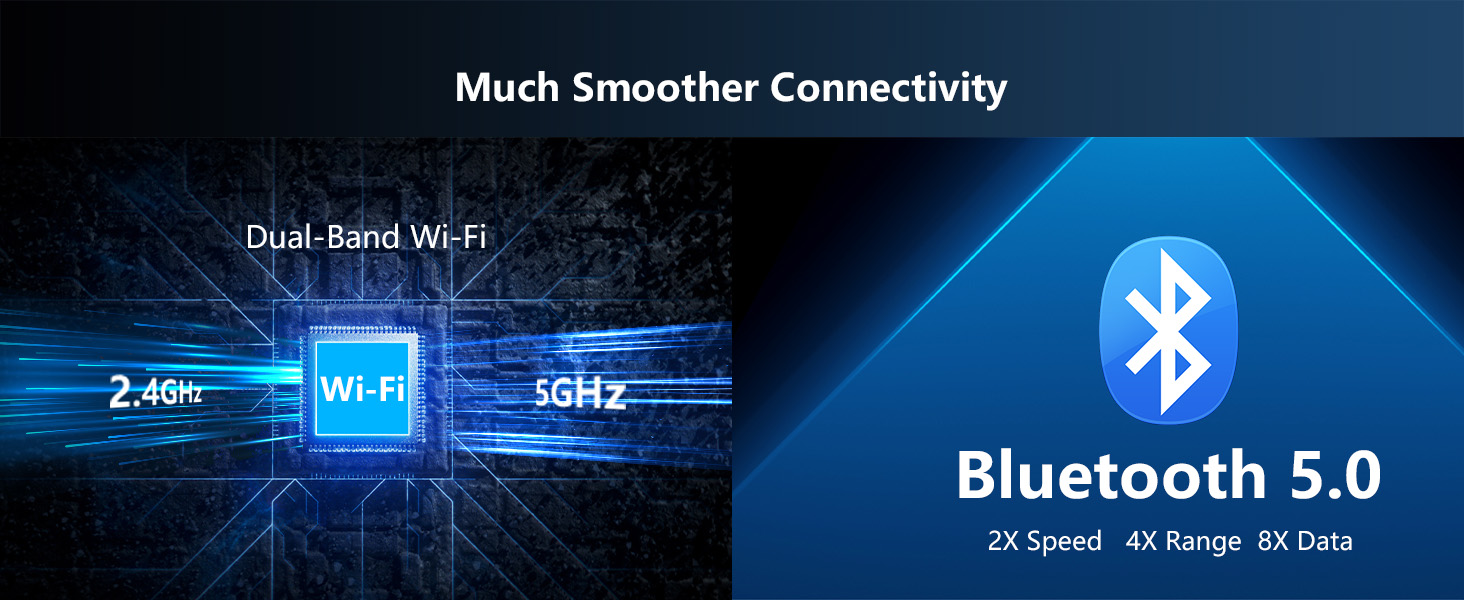
Enable AAC/aptX in Bluetooth settings
In rare case
1.Please use the original car charger.
2.Reach out to us for a free noise suppressor.
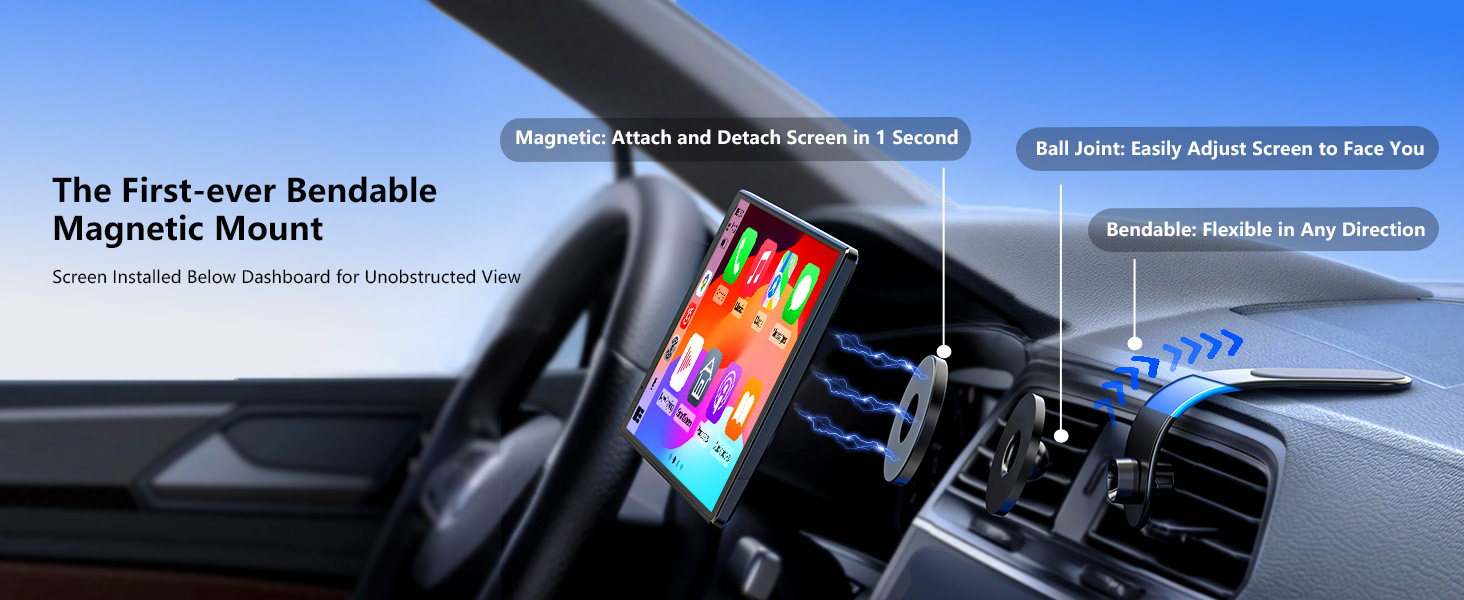
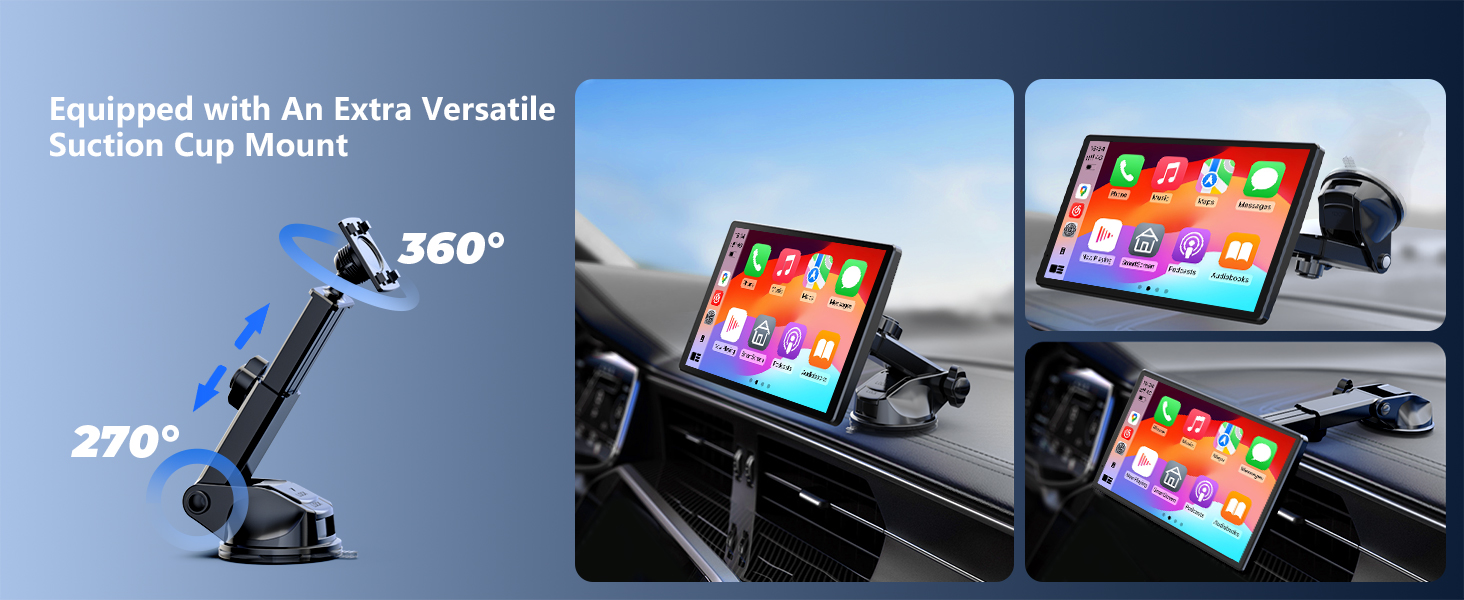
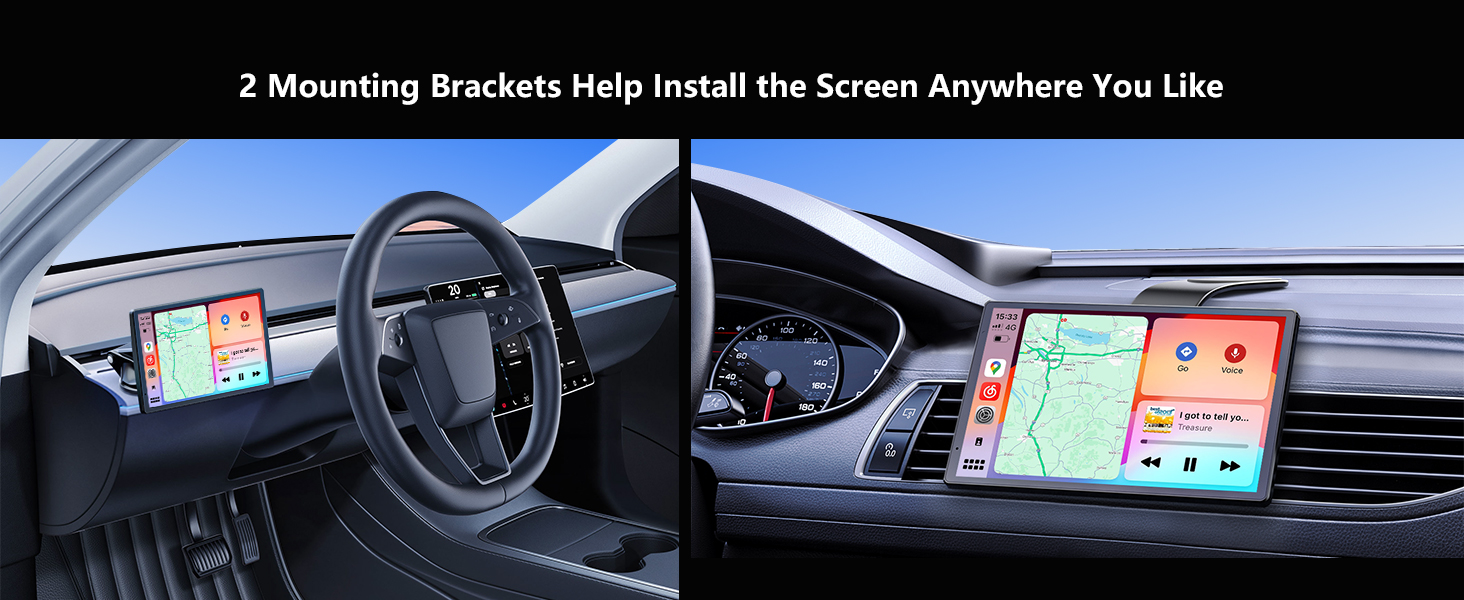
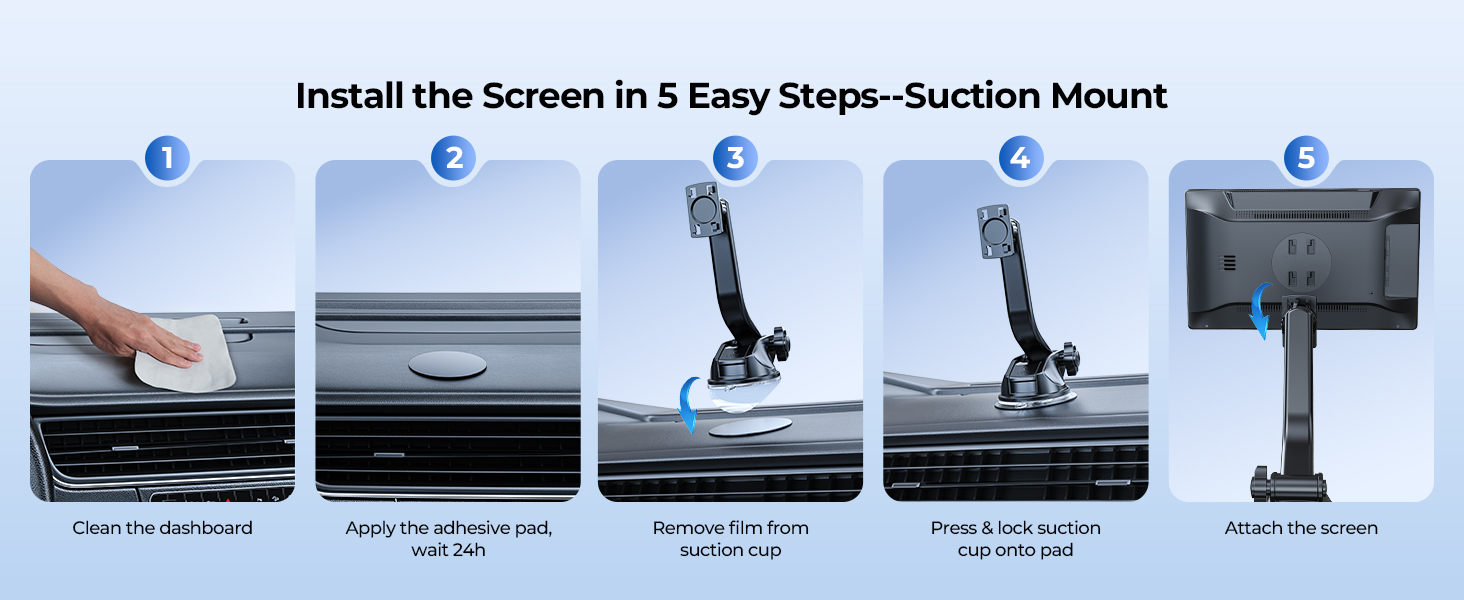
The installation effect differs between the suction mount and the magnetic mount. Please choose the most suitable one based on your vehicle model and usage scenario.
If you need any installation guidance, feel free to contact our support team.

See page 7 of the manual
Go to the Home screen, tap the orientation button at the bottom right then rotate your screen.
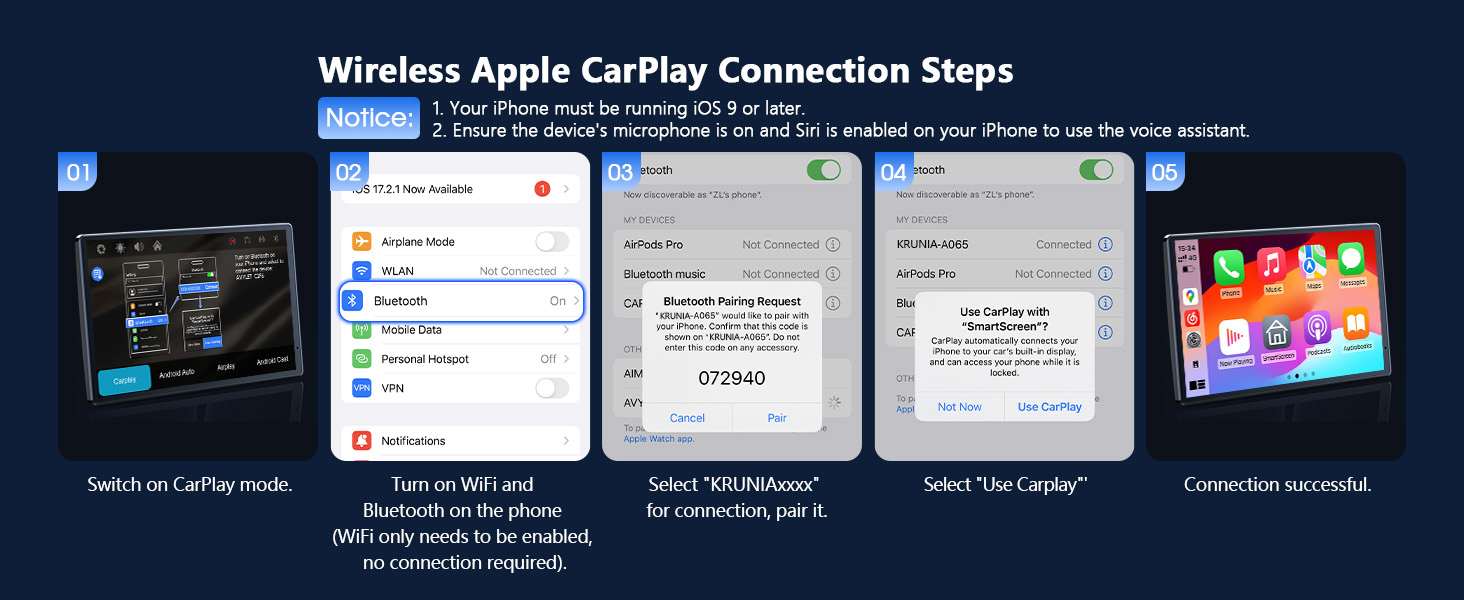
Use the original car charger. Keep phone and device within 30 cm during first connection.

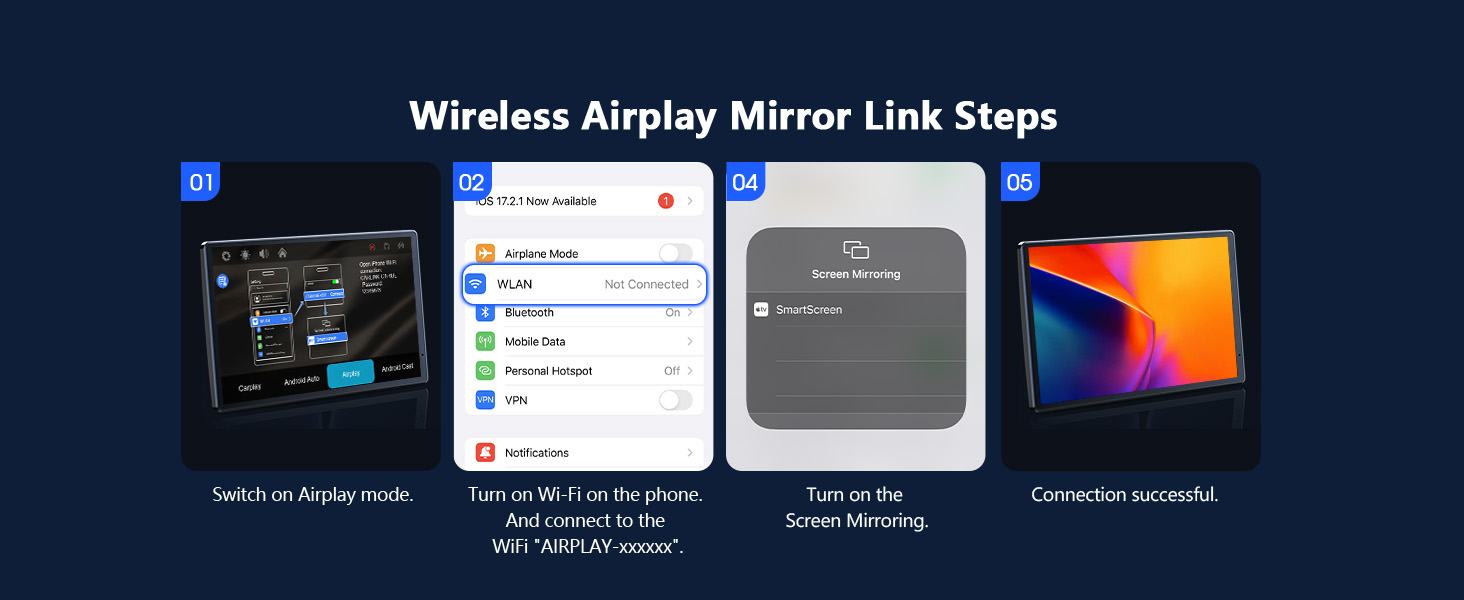
Screen mirroring compresses video for stable streaming, which can reduce image quality.
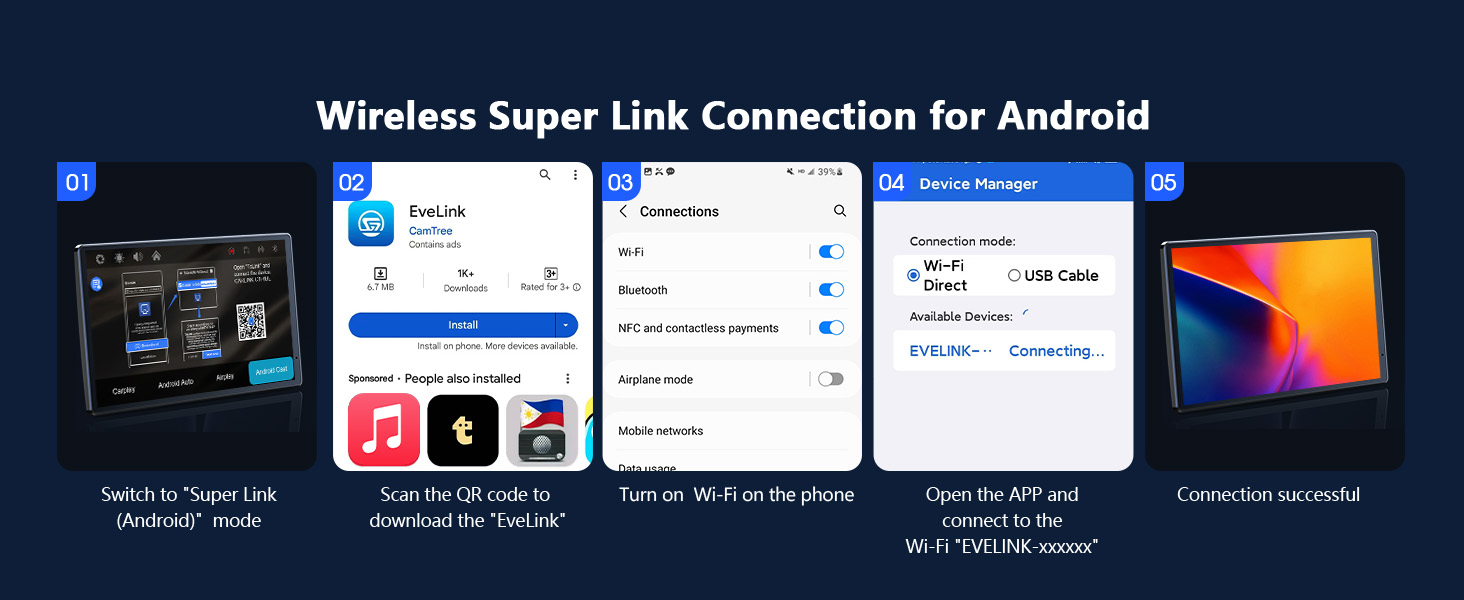
Screen mirroring compresses video for stable streaming, which can reduce image quality.
| Brand | Krunia |
| Model name | RM |
| Vehicle service type | Car |
| Screen size | 8 Inches |
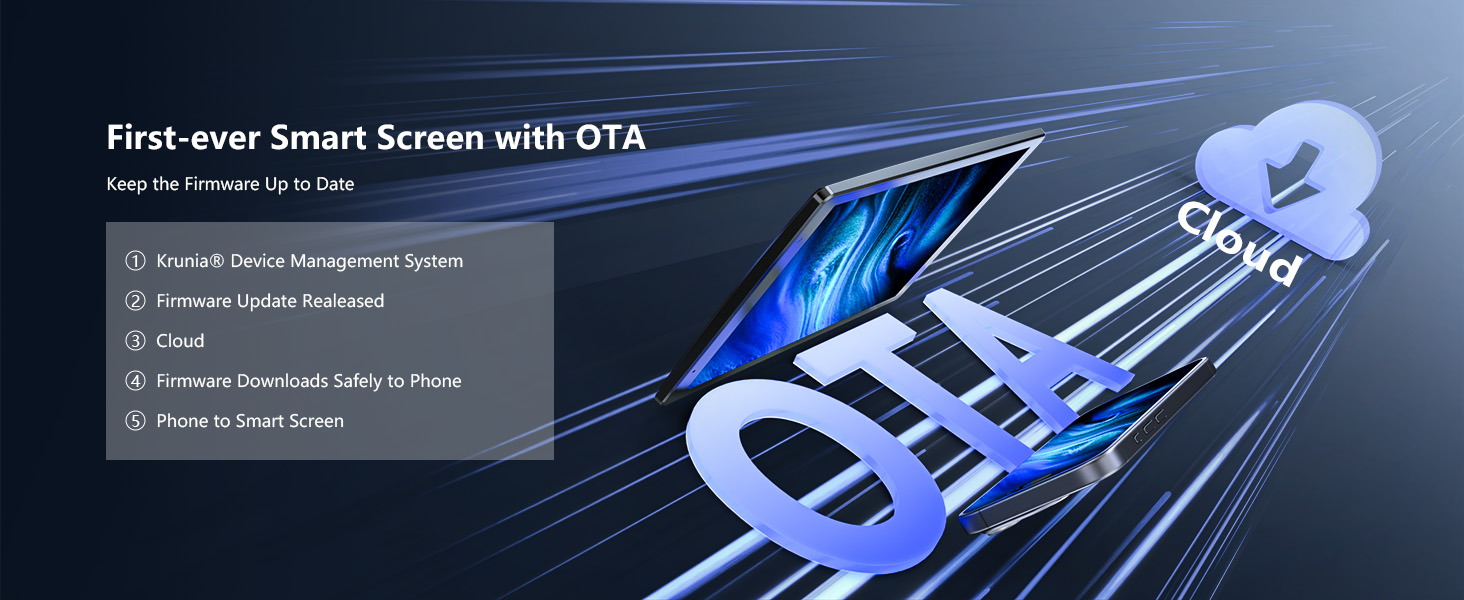
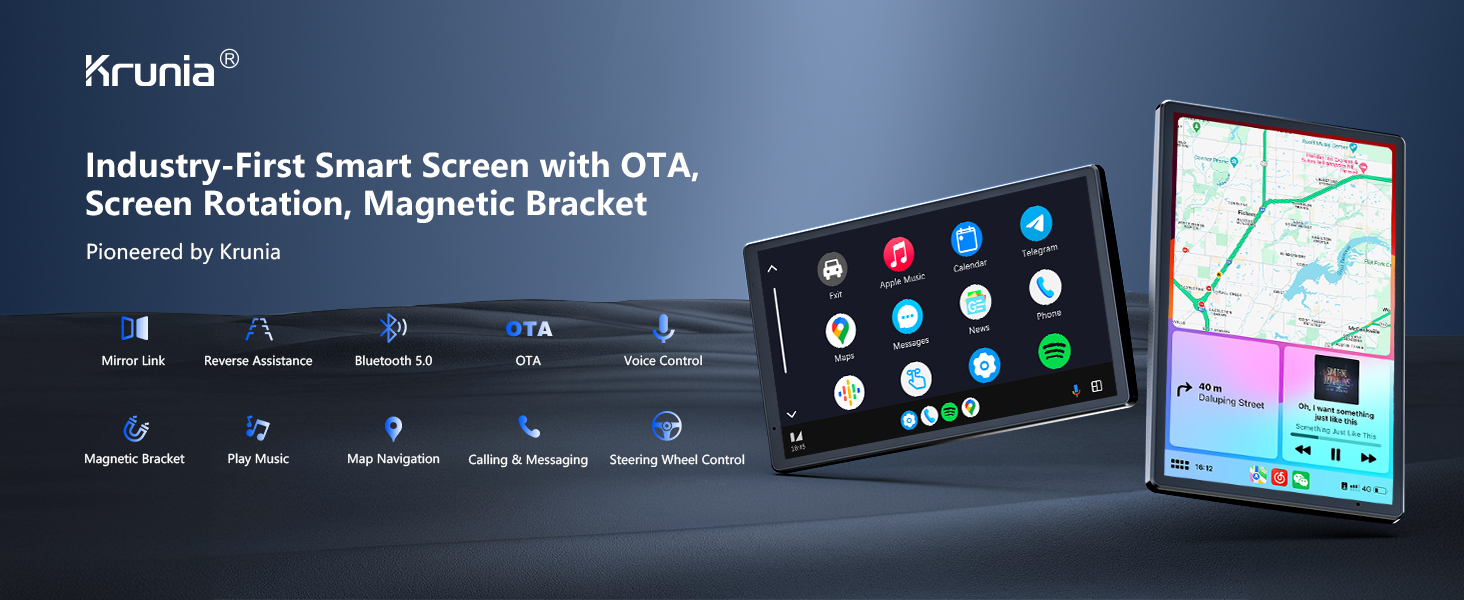
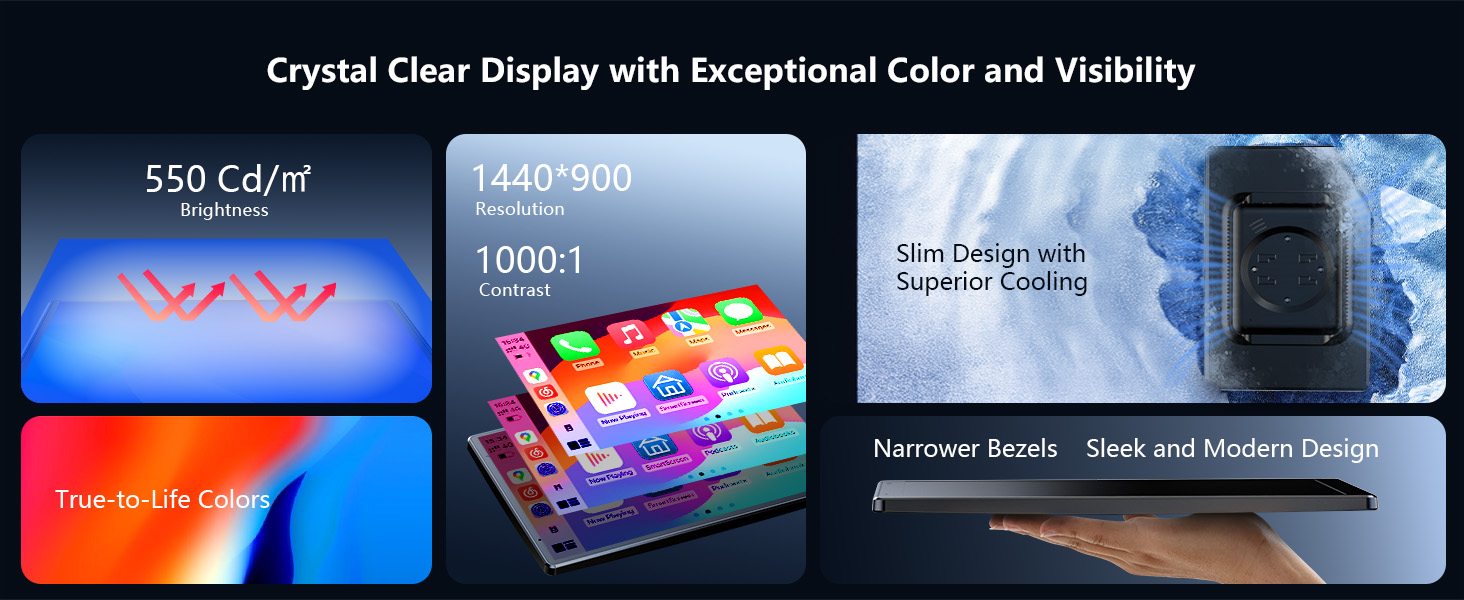
| Special feature | Apple CarPlay | Android Auto | OTA Updates, Equipped with landscape and portrait mode, an exclusive innovation of Krunia, Includes a quick release magnetic mount that won't obstruct the driver's view, Official email: service@krunia.com, The screen has a resolution of 1440x900, the highest available on the market See more |
| Connectivity technology | Bluetooth, Wi-Fi |
| Map type | Road |
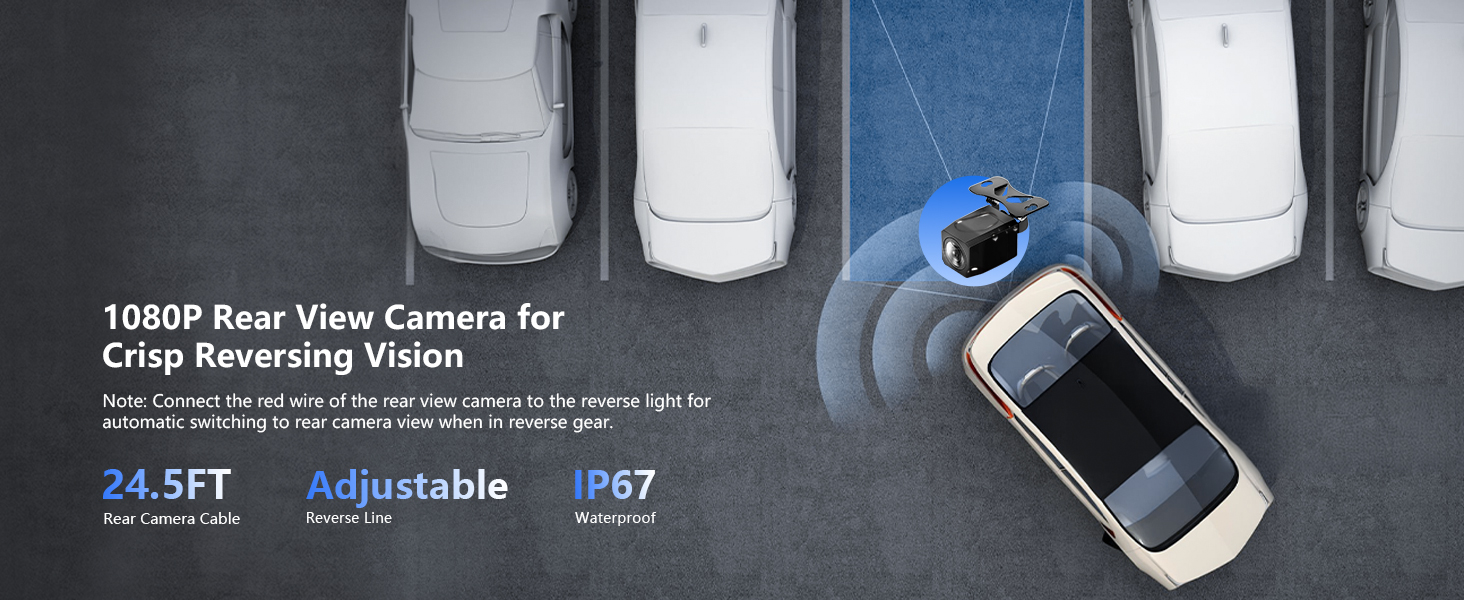
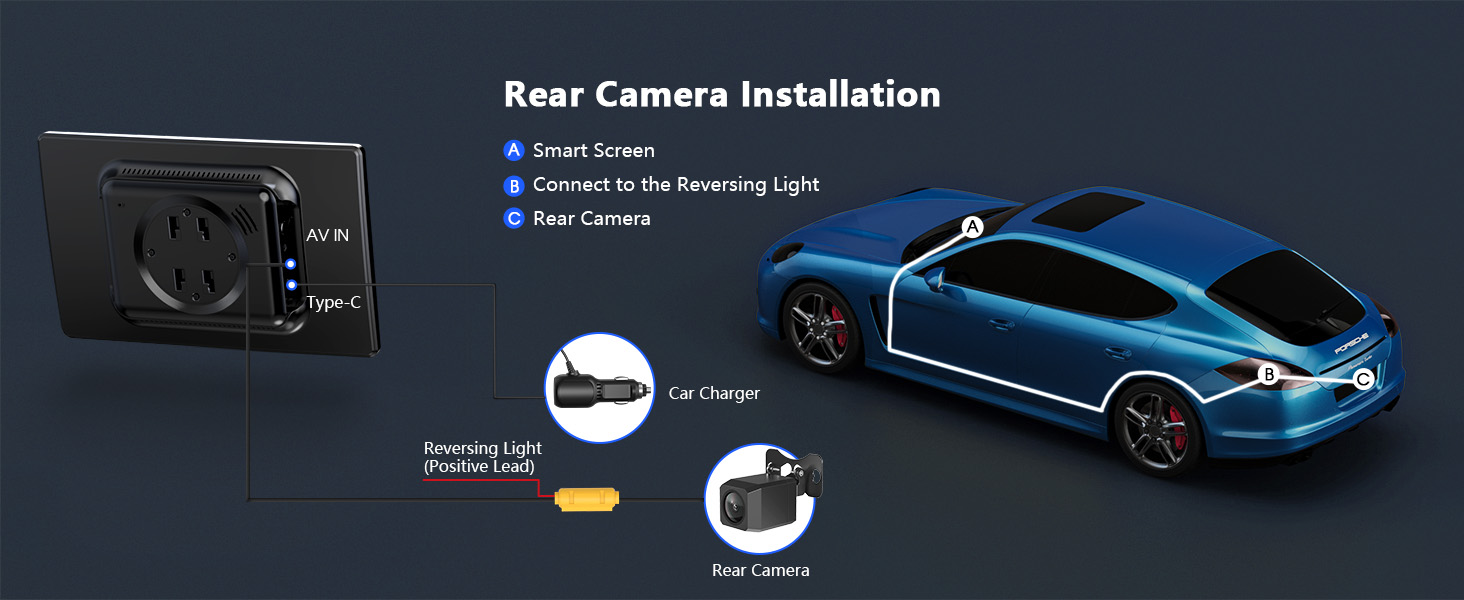
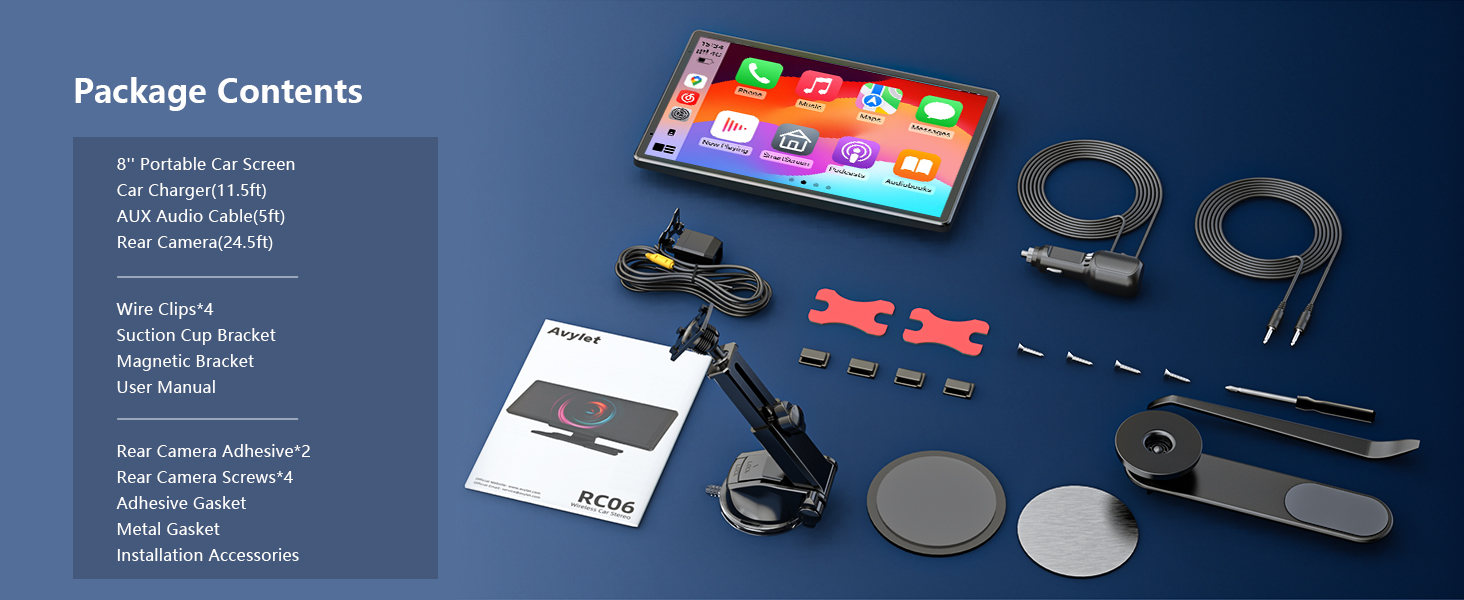
| Included components | 8 Inch Portable Screen | Car Charger (3.5 m) | Aux Audio Cable (1.5 m) | Rear Camera (7.5 m) | Rear Camera Sticker2 | Rear Camera Screws4 | Gasket Adhesive for Suction Cup Mount | Metallic Gasket for Magnetic Holder | Installation Accessories | Clips for Thread*4| Suction Cup Holder | Magnetic Holder | User Manual See more |
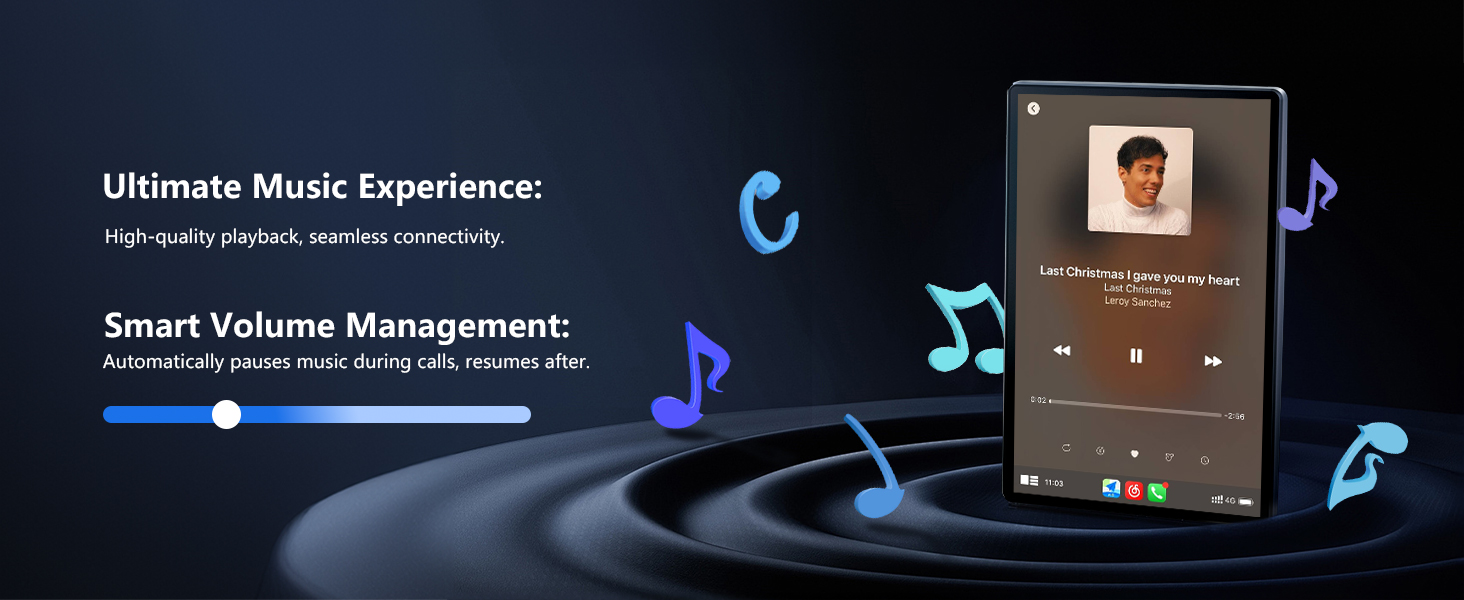
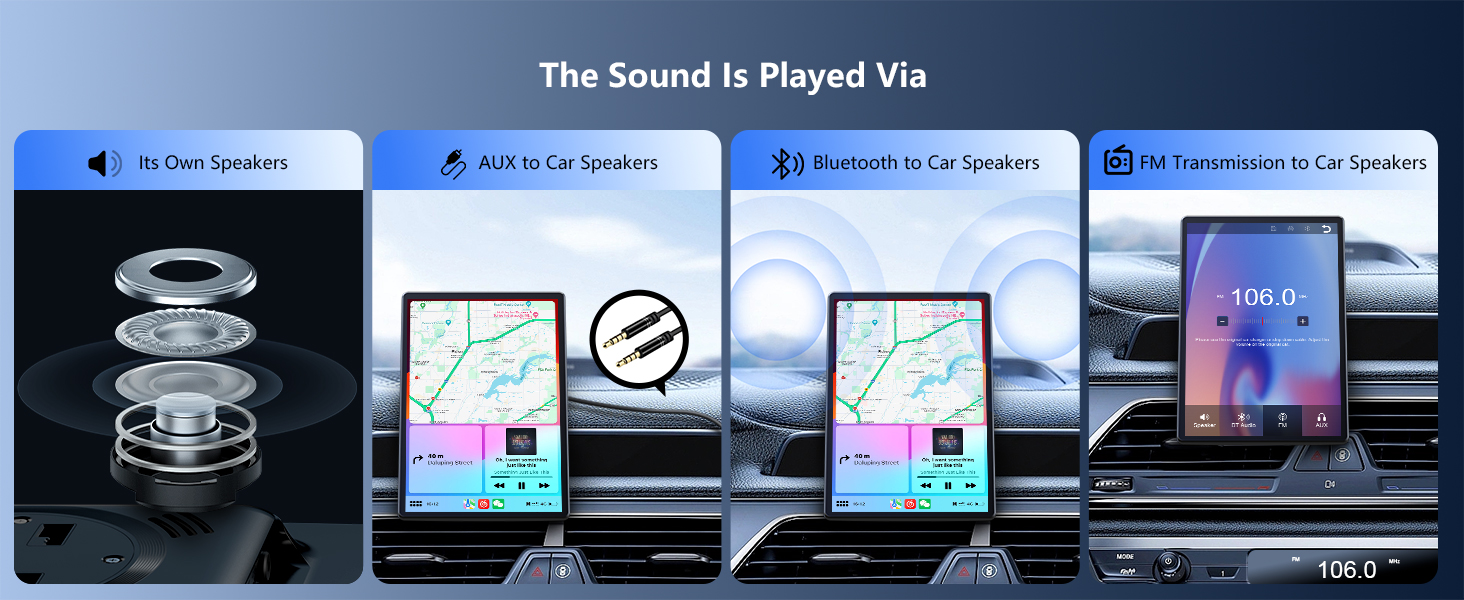
| Audio output mode | Sound can be played through the car screen or speaker |
| Mounting type | Under Dashboard |


LJ-Automotive is a Global Retailer & Authorised Dealer of FK Automotive, Simoni Racing, Autostyle, RDX Racedesign, JOM & MTS Technik product ranges.
